


Learn how Performance Max Campaign Optimisation can help Australian businesses with smart bidding strategies. Better asset groups, and data-driven strategies.
Discover Google Ads tips that boost conversions, improve ROAS, and maximise results across Australia’s competitive digital market.
What is Google Performance Max campaign optimisation and why does it matter in Australia
Google Performance Max is an advanced Google Ads automation campaign that helps Australian businesses reach customers across Search, Display, YouTube, Maps, and Discover with a single strategy. By using machine learning to optimize bids, placements, and creatives in real time, Performance Max makes it easier to boost conversions and lower ad costs. If you’re wondering what is Performance Max campaign, it’s a powerful, all-in-one solution that supports smarter digital marketing in Australia, helping brands stay competitive and reach the right audience at the right moment.
How to Set Up a Performance Max Campaign the Right Way
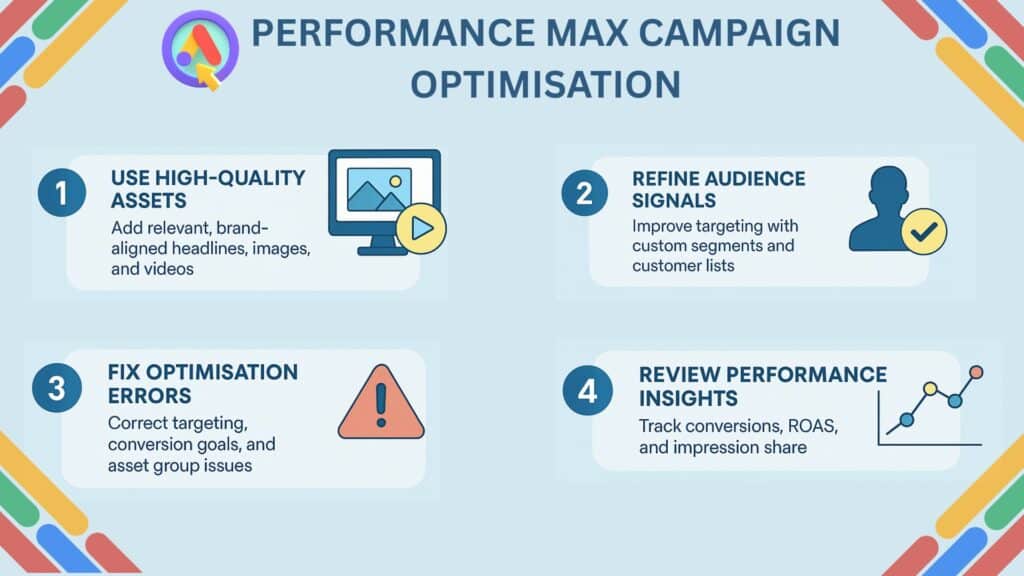
Learn how to set up a Performance Max campaign the right way with this practical Google Ads setup guide. A strong campaign structure, well-organized ad asset groups, and clear conversion goals are essential for success.
When creating a Performance Max campaign, it’s important to consider factors like audience signals, high-quality creative assets, accurate tracking, budget allocation, and seasonality trends. With the right setup, you can improve targeting, maximize automation, and achieve stronger results across all Google Ads placements.
Navigation: How to Create a Performance Max Campaign in Google Ads
- Login to Google Ads Account
- Ensure billing and conversion tracking are properly set up.
- Start a New Campaign
- Go to Campaigns → New Campaign
- Select your primary goal (Sales, Leads, Website Traffic).
- Choose Performance Max as Campaign Type
- Select Performance Max from the list of campaign formats.
- Set Up Campaign Settings
- Choose campaign name
- Set budget & bidding strategy (Conversions or Conversion Value)
- Select location & language targeting
- Define Conversion Goals
- Pick the right conversion actions (lead form, purchase, call, etc.)
- Remove irrelevant auto-selected conversions
- Add Audience Signals
- Include custom segments, website visitors, customer lists
- Helps Google optimize faster
- Create Asset Groups
- Add headlines, descriptions, logos, images, and videos
- Ensure all creative sizes are included
- Set Up Product Feed (If using eCommerce)
- Connect Google Merchant Center
- Optimize product titles & descriptions
- Configure Extensions
- Add sitelinks, callouts, prices, promotions, structured snippets
- Review Campaign Settings
- Check asset quality
- Validate tracking and URL tagging
- Publish the Campaign
- Allow a learning period of 10–14 days for stable performance
- Monitor & Optimize
- Review insights
- Improve assets
- Adjust the budget based on conversions
Smart Bidding Strategies That Work in the Australian Market
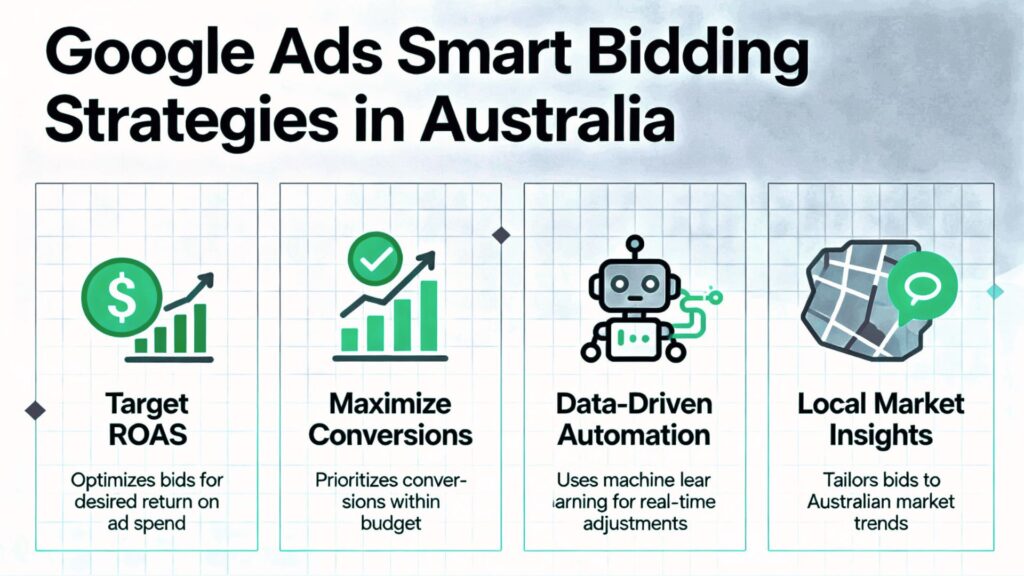
Discover effective Smart Bidding strategies that work in the Australian market, helping businesses scale results with data-driven automation.
Whether you’re using the Target ROAS strategy to maximise revenue or aiming to maximise conversions with limited budgets, Smart Bidding in Google Ads provides powerful tools tailored for local competition and audience behaviour. With the right approach to Smart Bidding Google Ads Australia, brands can achieve better visibility, stronger ROI, and consistent performance across campaigns.
Measuring Success: Key Metrics to Track in Performance Max Campaigns
Understanding key metrics to track in Performance Max campaigns is essential for improving results and optimizing budget. By focusing on the right Performance Max metrics, such as conversions, CPA, ROAS, impression share, and asset performance, advertisers can accurately evaluate impact and make smarter decisions.
Effective Google Ads reporting provides deeper campaign insights, helping you monitor performance trends, identify optimization opportunities, and ensure your advertising strategy stays aligned with business goals.
Common Mistakes to Avoid in Performance Max Optimisation
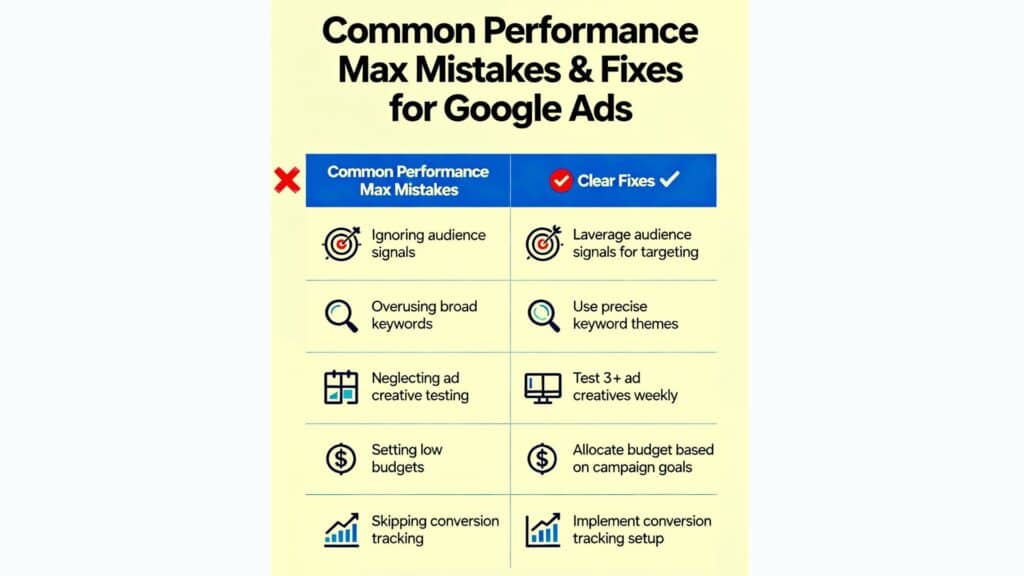
Avoiding common mistakes in Performance Max optimisation helps improve campaign results and reduce wasted spend. Here are the major Performance Max errors advertisers should watch out for:
- Wrong Targeting – Using broad or irrelevant location and audience signals that confuse Google’s optimisation.
- Poor Asset Grouping – Mixing unrelated images, headlines, and keywords in one asset group, leading to weak ad relevance.
- Weak Conversion Setup – Not defining the right conversion actions or tracking setup correctly.
- Low-Quality Creative Assets – Uploading limited images, no videos, or poorly designed creatives.
- Ignoring Insights – Not checking search terms, audience signals, or asset performance reports regularly.
- No Testing or Optimisation – Running the same setup for months without refreshing creatives or adjusting bids.
- Budget Spread Too Thin – Running too many campaigns without enough budget for proper learning.
- Incorrect Goal Selection – Choosing goals that don’t match your actual business objectives.
These mistakes can limit performance, reduce conversions, and stop Performance Max from delivering full value.
How to Fix Common Performance Max Errors
Improving your Performance Max campaign starts with correcting the most frequent issues that weaken results. Here’s how to fix each problem effectively:
- Fix Wrong Targeting
- Use accurate location targeting (exclude irrelevant regions).
- Add strong audience signals such as custom segments, website visitors, and customer lists.
- Fix Poor Asset Grouping
- Create separate asset groups for each product/service category.
- Keep images, headlines, and messages aligned to one theme per group.
- Fix Weak Conversion Setup
- Enable only the conversions that matter for your business.
- Verify tracking using Google Tag Manager or enhanced conversions.
- Fix Low-Quality Creative Assets
- Upload all recommended sizes for images, logos, and videos.
- Use high-quality, brand-aligned visuals and strong call-to-action headlines.
- Fix Ignoring Insights
- Review “Insights” weekly for search categories, audience insights, and asset ratings.
- Replace or update “Low” performing assets immediately.
- Fix No Testing or Optimisation
- Refresh creatives every 30–45 days.
- Test different audience signals and landing page variations.
- Fix Budget Spread Too Thin
- Reduce the number of campaigns.
- Assign enough budget to allow at least 2 weeks of full learning.
- Fix Incorrect Goal Selection
- Choose goals that match your final business objective (Leads, Sales, etc.).
- Remove irrelevant auto-added goals from the campaign.
By addressing these issues, your Performance Max campaign becomes more focused, efficient, and better aligned with Google’s smart optimisation system.
FAQ’S
Conclusion
Optimising a Performance Max campaign is all about combining smart strategy with Google’s automation to drive stronger conversions and better ROAS. By using high-quality creative assets, refining audience signals, fixing common Performance Max optimisation errors, and reviewing performance insights regularly, businesses can maximise the full potential of Google Ads. For Australian brands, mastering these optimisation techniques ensures consistent growth in a competitive digital landscape.
If you’re looking for expert help with ads marketing, campaign optimisation, or Google Ads promotion, consult Wesetads for professional guidance and results-driven strategies tailored to your business goals.

